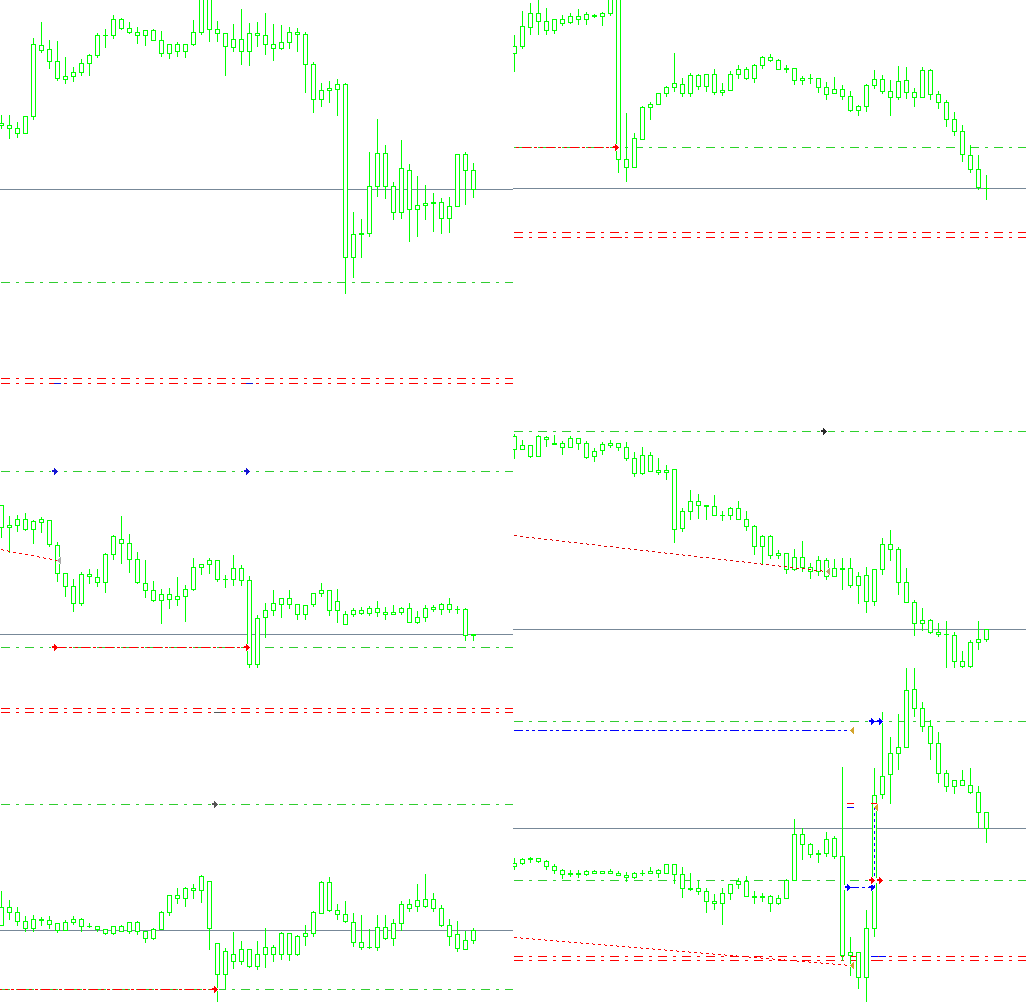
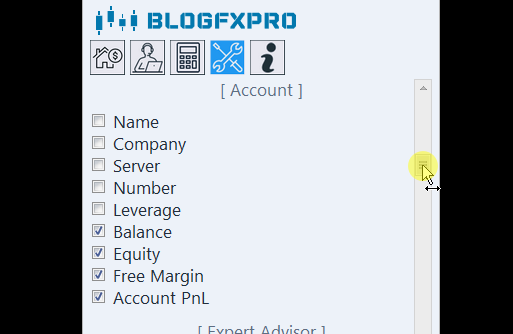
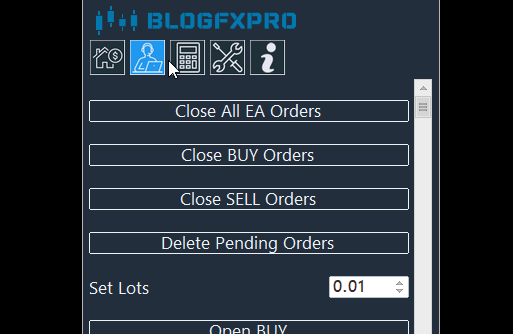

Breakout Pyramid Pro
ÉvasionÀ partir de: 
19.99
MT4: Disponible
MT5: Indisponible
Hedge: Requis
Code source: Indisponible
Test/Démo gratuit: Disponible
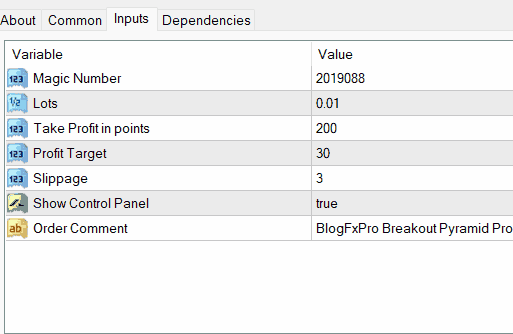
| Magic Number | The Magic Number is a unique identifier assigned to each trade executed by the expert advisor. It helps distinguish trades initiated by "Breakout Pyramid Pro" from those of other EAs or manual trades. By default, it is set to 2019088, but you can change it to any numeric value of your choice for better organization of your trades. |
| Lots | The Lots input allows you to specify the trade size for each position opened by the expert advisor. A value of 0.01 represents a micro-lot, which is a small trade size. You can adjust this value to determine the position size that aligns with your risk tolerance and trading strategy. |
| Take Profit | Take Profit is measured in points and represents the price level at which the expert advisor will automatically close a trade to secure a profit. A Take Profit value of 200 points means that when the trade reaches a 200-point profit, it will be closed automatically to lock in gains. |
| Profit Target | Profit Target is the desired profit level for each trade in points. With a value of 30, the EA will aim to achieve a 30-point profit on each trade. This parameter allows you to set a specific profit goal for your trading strategy. |
| Slippage | Slippage is the maximum allowable difference between the expected price of a trade and the actual price at which it is executed. A Slippage value of 3 means that if the trade can be executed within 3 points of the expected price, it will go through; otherwise, it will be rejected. |
| Order Comments | Order Comments allow you to add a personalized note or label to the trades executed by "Breakout Pyramid Pro." In this case, the default comment is set to "BlogFxPro Breakout Pyramid Pro." You can customize this comment to help you identify and track the EA's trades more easily on your trading platform. |

Sara binti Mahmud
• 3/09/2025
Mungkin berguna untuk mengoptimumkan kecekapan dan penggunaan sumber EA untuk mengurangkan kesannya terhadap sumber sistem dan kelajuan pelaksanaannya.
Ekaterina Popova
• 21/06/2025
Рассмотрите возможность добавления опции для пользователей установки конкретных предпочтений по торговым сессиям, чтобы они могли сосредоточиться на определенных торговых часах, соответствующих их стратегии.
Ekaterina Popova
• 12/01/2024
Расширьте опции настройки пользователя, позволяя регулировать различные параметры во время выполнения для приспособления к изменяющимся рыночным условиям.
Muhammad bin Hassan
• 16/07/2023
Penting untuk menyediakan dokumentasi pengguna yang komprehensif dan tutorial untuk membantu pedagang memahami bagaimana untuk menggunakan EA dengan berkesan.
Emma Schmidt
• 24/03/2023
Erwägen Sie, die Option hinzuzufügen, dass Benutzer mehrere Gewinnmitnahmestufen festlegen können, um eine teilweise Gewinnmitnahme zu verschiedenen Preisniveaus zu ermöglichen und die Flexibilität im Handelsmanagement zu maximieren.
Emily Smith
• 1/03/2023
Consider incorporating an alert or notification system that informs users of important events or potential trading opportunities related to the EA's strategy.
Syafiq bin Mohd Yusof
• 17/11/2022
Mengintegrasikan fungsi Menaiki Berhenti boleh menguntungkan, membenarkan pengguna mengunci keuntungan ketika perdagangan bergerak ke arah yang diingini.
Ji-hyeon Park
• 27/07/2022
EA 자체 내에서 거래 분석 및 성과 보고 기능을 제공하는 기능을 구현하는 것은 사용자가 EA의 효과를 평가하는 데 가치가 있을 것입니다.
Mariam Al-Suwaidi
• 2/03/2022
تنفيذ ميزة تمكن من تجنب أحداث الأخبار الآلية أو فرض قيود تجارية خلال الإعلانات الاقتصادية الكبرى يمكن أن يساعد في تجنب ظروف السوق العصبية.

 français (Belgique)